Store Technology Deployment: A Practical Guide for Retailers
- Sosa Solutions NYC
- Jul 24
- 7 min read

Store technology deployment is the structured process of installing, configuring, and integrating hardware and software systems across retail locations to improve operations and customer engagement. It covers everything from point-of-sale (POS) systems and wireless infrastructure to digital displays, RFID, and AI-driven analytics. Getting it right requires more than a project schedule. It demands deliberate design, cross-functional coordination, and a clear plan for how every system will actually work once the doors open.
The core components of a store technology deployment typically include:
Hardware installation: POS terminals, wireless access points, digital signage, self-checkout kiosks, and inventory sensors
Software configuration: POS platforms, ERP integrations, inventory management systems, and analytics dashboards
Network and infrastructure readiness: Cabling, wireless coverage validation, and connectivity testing
System integration: Connecting new technology to existing platforms, data feeds, and back-office systems
Operational readiness validation: Confirming staff can execute new workflows before go-live
Testing and sign-off: End-to-end verification that all systems perform as expected under real store conditions
Table of Contents
Why deployment design matters more than a project plan
Most retail technology projects fail not because the technology is wrong, but because the deployment was planned instead of designed. There is a real difference. A deployment plan tells you what to do and when. A deployment design tells you how every task will actually be executed in the field.
A case from an 800-store wireless infrastructure rollout makes this concrete. Cabling work had to be completed before deployment technicians arrived on site. No change management process existed to communicate schedule shifts, and no one called ahead to verify readiness. The result: the project exceeded its budget by $37,700 due to revisit charges and additional resource costs created by schedule overruns, all because the deployment was never designed.
The benefits of formalizing deployment design include:
Reduced cost overruns from missed coordination steps
Fewer store disruptions during active trading hours
Clearer accountability across contractors, IT teams, and store operations
Faster issue resolution when problems arise on site
Common pitfalls that derail store technology projects
Deployment failures cluster around a predictable set of problems: integration failures, data migration errors, insufficient training, schedule changes without communication, and user resistance. Any one of these can stall a rollout. Together, they compound into delays, cost overruns, and adoption rates that never recover.
The most underestimated pitfall is confusing technical readiness with operational readiness. Systems being installed and configured does not mean store teams are ready to use them. SysGenPro notes that retailers often move forward with configuration before validating whether operations and supply chain teams can actually execute future-state workflows. That gap shows up fast at go-live.
Common pitfalls to watch for:
No centralized oversight across multiple vendors and contractors
Schedule changes communicated too late for dependent work to adjust
Legacy data migrated without cleansing, carrying old errors into the new system
Staff trained too early, so knowledge fades before go-live
No defined process owner for cross-functional decisions
Pro Tip: Use a pre-configuration service like Store-in-a-Box to stage and test complete technology stacks off-site before shipment. This cuts on-site deployment time, reduces technician revisits, and keeps stores operational during rollout.
Best practices for a successful technology rollout
The retailers who execute well treat store technology readiness as a formal discipline, not a checklist item. SysGenPro’s framework calls for executive sponsorship, measurable readiness gates before each phase, named process owners, and a governance structure that spans IT, finance, store operations, and supply chain.

Bain & Company adds a strategic layer: the biggest mistake is investing in proprietary, single-use equipment instead of building on open, platform-first architecture. Pairing electronic shelf labels with AI-driven insights and computer vision, for example, solves inventory accuracy problems more effectively than any single tool deployed in isolation.
Proven best practices:
Adopt a platform-first strategy that favors integrated technology families over point solutions
Treat deployment readiness as a dedicated workstream with its own governance and entry criteria
Run phased rollouts, stabilizing finance and procurement before expanding to store operations
Set measurable readiness gates: approved process maps before configuration, signed data ownership before migration, training completion thresholds before go-live
Assign a change control board to manage scope and communicate schedule shifts
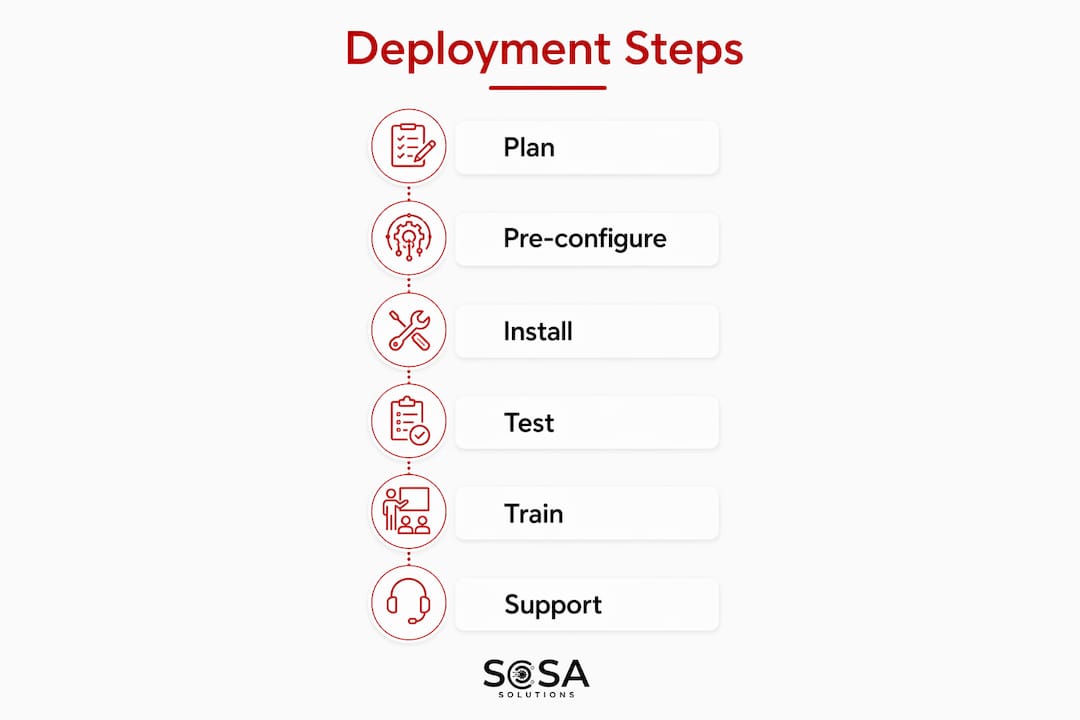
Deployment process summary:
Assess current-state operations and identify workflow gaps
Define future-state processes and data governance before configuration begins
Stage and pre-configure technology off-site where possible
Pilot in a limited store set and validate operational readiness
Execute phased rollout with centralized oversight and communication protocols
Measure performance against defined readiness gates and adjust before scaling
Operational and strategic challenges you should plan for
Retail technology deployments sit at the intersection of IT, store operations, supply chain, and finance. That cross-functional complexity creates friction points that purely technical project plans rarely anticipate. Legacy systems with fragmented data, region-specific finance practices, and inconsistent item masters all create hidden drag on timelines.
Strategically, the pressure to move fast often leads retailers to replicate existing inefficiencies in a new platform rather than redesigning workflows. A retail IT infrastructure guide for 2026 highlights that the organizations that avoid this trap treat the deployment as an operating model change, not just a technology swap. That mindset shift changes how readiness is defined, measured, and governed.
How to choose the right store technology for your environment
Selecting store technology starts with the problem you are solving, not the product you are evaluating. Retailers whose top priorities are product availability, price integrity, and customer engagement, per Bain’s survey of top-250 retailers, get better returns from integrated technology families than from standalone tools.
Key selection criteria:
Compatibility: Does the technology integrate with your existing POS, ERP, and network infrastructure?
Scalability: Can it roll out across your full store portfolio without a full stack replacement?
Vendor support: Does the vendor offer staging, configuration, and on-site deployment services?
Open standards: Does it avoid proprietary lock-in that limits future integration options?
Total cost of ownership: Factor in installation, training, maintenance, and refresh cycles, not just licensing fees
How store technology deployment shapes the customer experience
Technology deployment decisions made in the back office show up directly on the sales floor. Nearly 60% of retailers plan to increase store technology spending over the next three years, driven by the need to improve product availability, reduce checkout friction, and deliver personalized experiences at scale. When deployment is executed well, customers see faster checkout, accurate shelf pricing, and staff who can answer questions without leaving the floor.
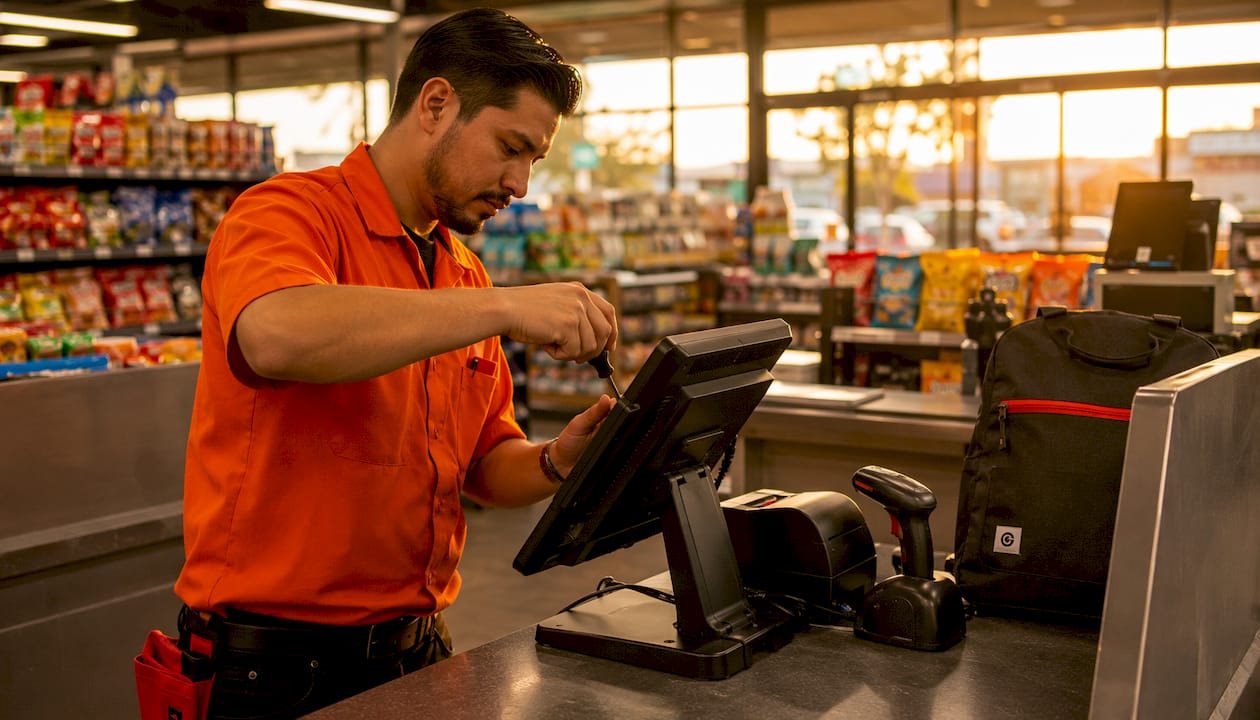
Poor deployment has the opposite effect. Misconfigured systems, undertrained staff, and integration failures create the exact friction points technology was meant to eliminate. A centralized IT management approach reduces that risk by keeping oversight consolidated rather than distributed across disconnected vendors.
Examples of store technology deployments that worked
The retailers seeing the strongest results are deploying technology in combinations, not in isolation. Bain’s research shows that pairing electronic shelf labels with AI-driven insights and computer vision addresses inventory accuracy more effectively than any single tool. A notable portion of retailers use some level of RFID, and many have implemented electronic shelf labels either fully or partially.
Self-checkout at scale, in-store fulfillment for click-and-collect orders, and digital retail media networks are three deployment categories where retailers report measurable operational gains. The common thread across all of them is phased rollout with defined readiness criteria before each stage, not a single big-bang go-live.
Measuring whether your deployment actually delivered
ROI measurement starts with defining what success looks like before the first device ships. About 44% of retailers expect their store technology investments to improve their bottom line by 1.5 or more percentage points. Hitting that target requires tracking the right metrics from day one.
Useful deployment effectiveness metrics include:
Inventory accuracy rates before and after deployment
Checkout transaction times and queue lengths
Staff task completion rates under new workflows
System uptime and integration error rates post go-live
Customer satisfaction scores tied to specific in-store touchpoints
Avoid measuring only technical outputs like “systems installed.” Operational metrics tied to the business problems you set out to solve are what tell you whether the deployment worked.
Sosasolutionsnyc handles retail technology deployment in New York and Florida
Retail IT projects in New York and Florida move fast, and the gap between a clean store opening and a chaotic one usually comes down to who is managing the technology side. Sosasolutionsnyc gives small and mid-sized retailers a done-for-you alternative to coordinating multiple vendors independently. From infrastructure readiness and system setup to on-site troubleshooting and ongoing managed IT support, the team handles the operational complexity so your store opens on schedule.

Where most IT providers hand off after installation, Sosasolutionsnyc stays in the picture with proactive support and remote troubleshooting built into every engagement. For retailers opening new locations or upgrading existing ones, store opening IT solutions from Sosasolutionsnyc cover the full deployment lifecycle without the coordination overhead. Contact the team to get a plan built around your specific store environment and timeline.
Key Takeaways
Successful store technology deployment requires deliberate design, phased execution, and operational readiness validation before any system goes live.
Point | Details |
Design beats planning | A deployment design specifies how tasks execute, not just what and when, preventing costly overruns such as the $37,700 budget overrun in the 800-store wireless network upgrade case. |
Operational readiness is separate | Technical installation does not equal readiness; store teams must be validated on new workflows before go-live. |
Platform-first selection | Choosing open, integrated technology families over proprietary point solutions protects future investment and improves ROI. |
Measure business outcomes | Track inventory accuracy, checkout times, and uptime, not just whether systems were installed on schedule. |
Sosasolutionsnyc for retail deployment | Sosasolutionsnyc provides end-to-end store opening IT support across New York and Florida, covering setup, integration, and ongoing managed support. |
Recommended
Comments