Retail IT troubleshooting best practices for NY and FL stores
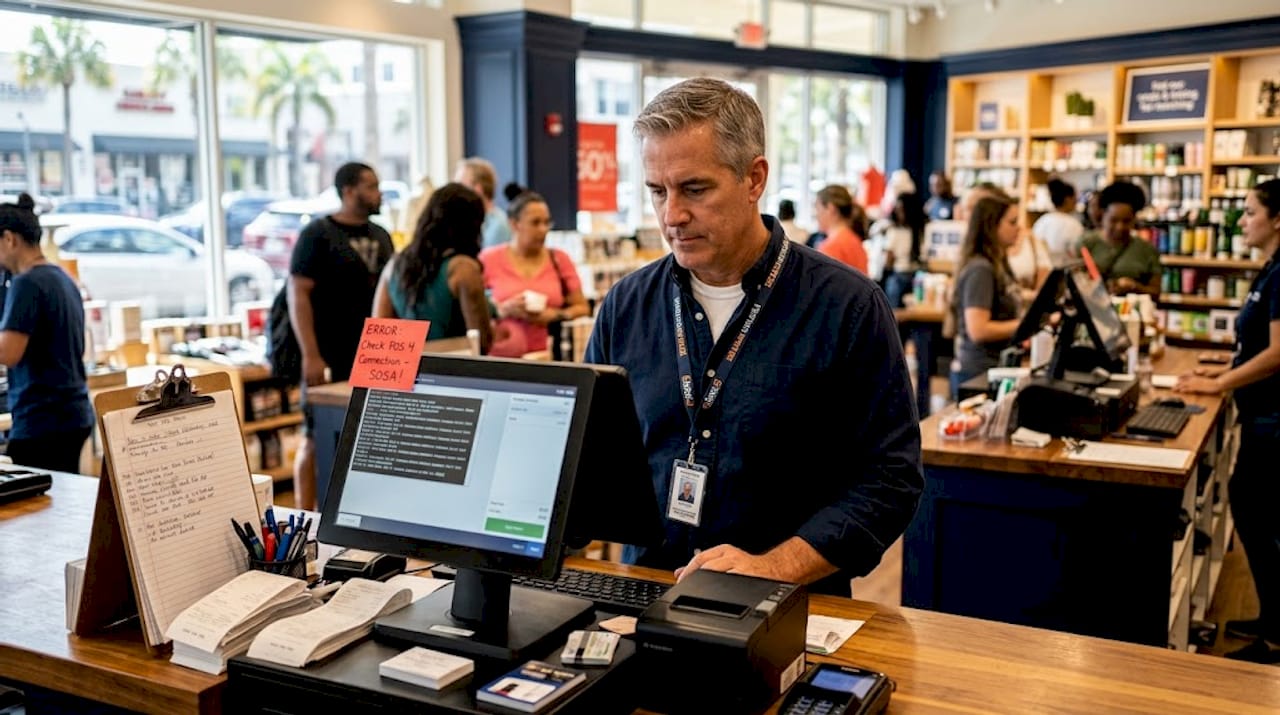
Every hour your point-of-sale system is down, you are not just losing a transaction — you are losing customer trust, staff momentum, and margin. Retail stores in New York and Florida face a uniquely demanding IT environment: high foot traffic, seasonal surges, multi-vendor hardware stacks, and compliance requirements that shift constantly. Retail IT troubleshooting best practices are not optional extras for businesses operating at this pace. They are the difference between a five-minute fix and a five-hour outage. This article gives you a structured, practical playbook covering incident response, hardware maintenance, PCI compliance, and fallback planning so your store keeps running no matter what breaks.
Table of Contents
Key Takeaways
Point | Details |
Structured incident response | Implement a 4-phase incident response framework for organized and effective IT troubleshooting. |
Proactive hardware maintenance | Perform daily inspections and timely repairs to extend POS hardware lifespan and reduce downtime. |
PCI compliance essentials | Regularly update passwords, scan for vulnerabilities, and segment networks to secure payment systems. |
Fallback protocols | Maintain backup devices and manual payment options to keep stores operational during hardware failures. |
Integrate troubleshooting methods | Combine multiple best practices tailored to your store to optimize IT issue resolution and uptime. |
Establish a structured incident response framework for retail IT
Most retail IT failures are not random. They follow patterns, and patterns can be managed. The problem is that most store-level IT teams respond reactively, pulling the nearest technician to guess at a solution while customers wait in line. A formal incident response framework eliminates that guesswork entirely.
The NIST four-phase process is the industry standard, and it applies directly to retail environments. According to this framework, retail IT troubleshooting follows a four-phase sequence: preparation, detection and analysis, containment and eradication, and post-incident activity. Each phase has defined roles and documented actions, which means any technician on your team can execute the response, not just the one who built the system.
Here is what that looks like in practice for a retail IT team:
Preparation: Assign incident response roles before anything breaks. Run a tabletop exercise at least once a year where your team simulates a POS outage and walks through the response steps. This is the phase that determines how fast every other phase moves.
Detection and analysis: Train staff to tell the difference between a real incident and a false alarm. A frozen terminal might be a network dropout, a software crash, or a hardware fault. Each one has a different fix, and misreading it wastes time.
Containment, eradication, and recovery: Once the issue is identified, isolate affected systems first, then resolve the root cause, then restore functionality in a planned order. Skipping straight to “restart everything and hope” is how stores create secondary failures.
Post-incident review: Within 30 days of any significant incident, complete an after-action report. Document what broke, what the response looked like, and what changes will prevent recurrence. This is the step most retail teams skip, and it is why they keep solving the same problems.
If you are looking for retail IT support in NY and FL to help build this kind of framework from scratch, working with a specialist who already knows retail system architecture saves months of trial and error.
With a framework in place, focus next on keeping the hardware itself from failing in the first place.
Implement proactive hardware maintenance and quick hardware troubleshooting
Hardware failure is the most common cause of retail downtime, and it is almost always preventable. The issue is not that hardware breaks without warning. The issue is that warning signs go unnoticed because nobody is looking for them.
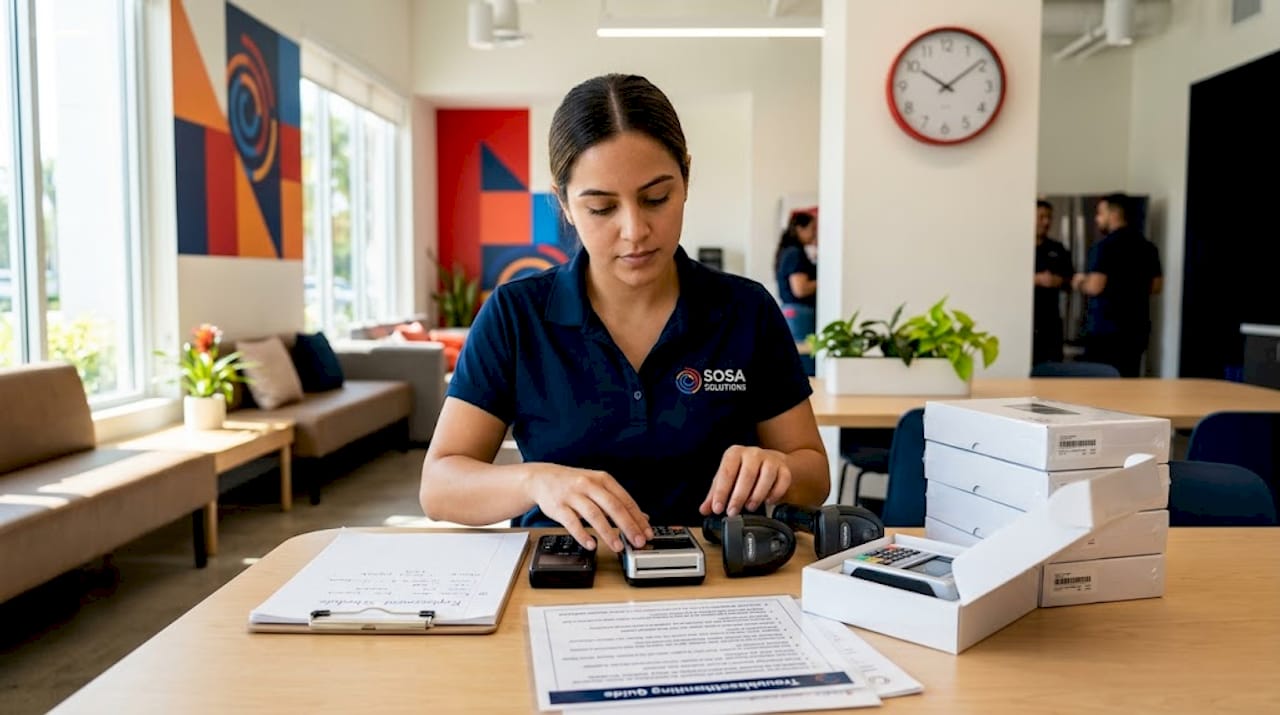
Routine daily inspections of scanners, printers, and terminals extend their lifespan significantly, and when replacements are needed, resolving them within 24 to 72 hours prevents short-term failures from becoming week-long disruptions. Daily inspections do not have to be lengthy. A two-minute walkthrough at store open checking for physical damage, loose cables, and error indicators is enough to catch most issues before they escalate.
When troubleshooting retail technology faults, use a systematic approach rather than guessing:
Check the obvious first: Misaligned scanner heads, disconnected cables, and paper jams account for a surprising percentage of reported “system failures.” Fix the physical issue before touching software.
Isolate the component: If a printer is not responding, test it on a different terminal before assuming the problem is network-related. This saves you from chasing the wrong fix.
Restart with purpose: A system restart after any repair is not just a formality. It clears memory faults and confirms the fix actually worked before customers arrive.
Document every fault: Even minor issues. The printer that jams twice a week will eventually fail completely during a Saturday rush. A repair log makes that pattern visible before the failure happens.
Pro Tip: Keep a laminated one-page hardware fault guide at every register. Include the five most common error codes for your POS model and the step-by-step fix for each. This allows floor staff to resolve basic issues without waiting for IT, which is especially valuable during high-volume periods at New York retail locations where every minute of delay shows on the floor.
Critical hardware like card readers should be on a replacement schedule, not a “wait until it breaks” cycle. Pair your retail IT troubleshooting support plan with a hardware asset tracker that flags devices approaching end of life.
Beyond hardware, securely managing payment and network systems is vital to compliance and stability.
Ensure PCI compliance and secure network segmentation
Payment Card Industry Data Security Standards (PCI DSS) are not suggestions. Non-compliance puts your customers’ payment data at risk and exposes your business to fines that can reach tens of thousands of dollars. For retail stores processing card transactions daily, this is one of the most consequential areas of IT management.
PCI DSS compliance for retail POS systems requires three practices that are frequently missed by small and mid-size stores: changing default passwords on all POS devices every 90 days, conducting quarterly vulnerability scans through an approved scanning vendor (ASV), and segmenting guest Wi-Fi networks so they have zero access to the network your POS terminals use.
The network segmentation point is worth spending a moment on. Many Florida retailers, particularly in tourist-heavy areas, offer customer Wi-Fi as a convenience. Running that Wi-Fi on the same network as your POS system is one of the most common and most dangerous security gaps in retail. A single compromised device on the guest network becomes a potential entry point to payment data. The fix is a VLAN (virtual local area network) configuration that treats the two networks as completely separate, which is a standard setup but one that requires intentional configuration.
Your PCI compliance retail IT support checklist should also include regular testing and updating of your incident response plan to reflect any changes in your POS vendor’s compliance requirements. PCI DSS is not a one-time certification. It is an ongoing operational discipline.
With security measures addressed, focus next on continuity strategies for when hardware failures still happen despite your best prevention efforts.
Prepare fallback protocols for unexpected hardware failures
Even with perfect maintenance and monitoring, hardware fails. The retailers who handle it best are not the ones with the most advanced equipment. They are the ones with the clearest fallback plan.
Retailers who limit hardware failure disruption to under five minutes do so by maintaining fallback kits that include backup POS devices, manual imprint tools, and cash-only protocols ready to activate before the failure is even fully diagnosed.
Here is how to build a fallback protocol your team can actually execute under pressure:
Stock a fallback kit at every location. This means a spare receipt printer, a USB barcode scanner, a backup card reader, and printed transaction forms for manual processing. Do not store them in a back office nobody can find. Keep them behind the register.
Establish manual payment options in advance. Set up a phone-based payment processing account so you can accept card payments without your POS system. Train at least two staff members at every shift how to use it.
Assign roles before an outage happens. During a hardware failure, you need someone managing the technical fix, someone managing the customer queue, and someone communicating status to floor staff. Without pre-assigned roles, all three people crowd around the broken terminal while the line grows.
Designate a lead for every incident. One person owns the incident from start to resolution. This person makes calls, communicates with IT support, and prevents the confusion that turns a 10-minute fix into a 45-minute ordeal.
Document every failure and every vendor response. Track which vendor delivered replacement hardware fastest, which support line resolved tickets most efficiently, and which components fail most often. This data drives better purchasing and vendor decisions over time.
Pro Tip: Test your fallback protocols quarterly, not just annually. A plan that has never been practiced under time pressure will almost certainly fail the first time it is needed. Run a 15-minute drill where you simulate a POS terminal failure and time how long it takes your team to switch to manual operations.
Your retail hardware failure support plan is only as strong as your team’s ability to execute it without IT being in the room.
Comparing common retail IT troubleshooting approaches
Not every approach carries the same weight for every store. A single-location boutique in Miami has different priorities than a 10-location chain spread across Manhattan and Brooklyn. This comparison helps you decide where to invest first.
Approach | Speed of resolution | Upfront cost | Operational impact | Best for |
Structured incident response | Medium | Low | Very high | All store sizes |
Proactive hardware maintenance | Fast (prevention) | Low to medium | High | High-traffic stores |
PCI compliance and network segmentation | Slow (ongoing) | Medium | Critical for compliance | Any card-accepting store |
Fallback protocols | Immediate | Low | High during outages | Multi-register stores |
Retail CIOs using proactive monitoring across fragmented POS stacks achieve 4.5 times faster issue resolution by aligning their business capabilities with core systems. That number should reframe how you think about IT support strategies. Prevention is not just safer than reaction. It is measurably faster.
A few practical points for tailoring these approaches to your store:
Small stores (1 to 3 registers): Prioritize fallback protocols and hardware maintenance. A single terminal failure affects your entire operation.
Mid-size stores (4 to 10 registers): Add structured incident response and PCI network segmentation. You now have enough complexity to need defined roles and security boundaries.
Multi-location retailers in NY and FL: All four approaches are non-negotiable. Consistency across locations requires documented processes, not improvised fixes at each site.
Visit your retail IT troubleshooting comparison options with a specialist who can assess your specific environment before committing to a single approach.
What 15 years in retail IT actually teaches you about troubleshooting
Here is a perspective that most IT guides will not share with you: the biggest failure point in retail IT troubleshooting is not technical. It is organizational. The stores that suffer the longest outages are almost never the ones with the worst hardware. They are the ones where nobody owns the problem.
Effective problem resolution requires someone with authority to make fast decisions, someone with technical skill to execute them, and a documented path between those two people. When those pieces are missing, a fixable 10-minute hardware fault turns into a 90-minute incident because two people are each waiting for the other to decide what to do next.
The second thing experience teaches you: retailers consistently underinvest in the post-incident review. They fix the broken thing, feel relieved, and move on. But 60 to 70 percent of repeat incidents could be prevented entirely if the first incident was properly documented and analyzed. An after-action report is not bureaucracy. It is the cheapest form of IT insurance you have access to.
Finally, best IT practices for retail are not static. A POS system from 2021 has different vulnerabilities and failure modes than one deployed in 2026. Your IT troubleshooting checklist should be a living document, reviewed at minimum twice a year, not a PDF saved on a shared drive that nobody updates. The retail environment in New York and Florida moves fast. Your IT practices need to keep pace.
How Sosa Solutions supports retail IT troubleshooting in NY and FL
Running a retail store means your attention needs to be on customers and operations, not on diagnosing why a scanner stopped reading barcodes at 11 AM on a Saturday.

At Sosa Solutions, we work with retail businesses across New York and Florida to build the kind of IT infrastructure and response protocols described throughout this article. That means on-site and remote troubleshooting for retail technology, proactive hardware maintenance schedules, PCI compliance support, and custom fallback planning tailored to your store’s size and structure. Whether you are opening a new location in Manhattan or managing an established operation in South Florida, our team brings the technical depth and retail-specific experience to keep your systems running and your customers moving. Reach out to learn how we support stores like yours every day.
Frequently asked questions
What is the most important phase in retail IT incident response?
Preparation is the most critical phase because it is the only phase that occurs entirely before an incident and sets the foundation for every response action that follows, including detection, containment, and recovery.
How often should POS hardware be inspected in retail stores?
Daily inspections of POS hardware such as scanners and printers are the standard for preventing failures. Routine daily checks extend equipment lifespan and allow teams to catch issues before they disrupt store operations.
What are key PCI compliance requirements for retail POS systems?
Retail POS systems must change default passwords every 90 days, conduct quarterly ASV vulnerability scans, and segment the network to keep guest Wi-Fi completely separate from POS devices.
How can retailers minimize disruption during unexpected hardware failures?
Maintaining a fallback kit with backup devices and manual payment options allows retailers to keep transactions moving with disruptions limited to under five minutes in most cases.
Recommended


Comments